Recommended Approach
It is strongly recommended that students use the provided links on the Fedorae Education platform to access the Pearson MyFoundationsLab for Freshman Composition to avoid any issues. The Pearson platform is very large and is divided into different sections of which we do not use and may cause confusion. Using the links on the Fedorae Education platform ensures consistency and reliable when you are accessing your Lab.
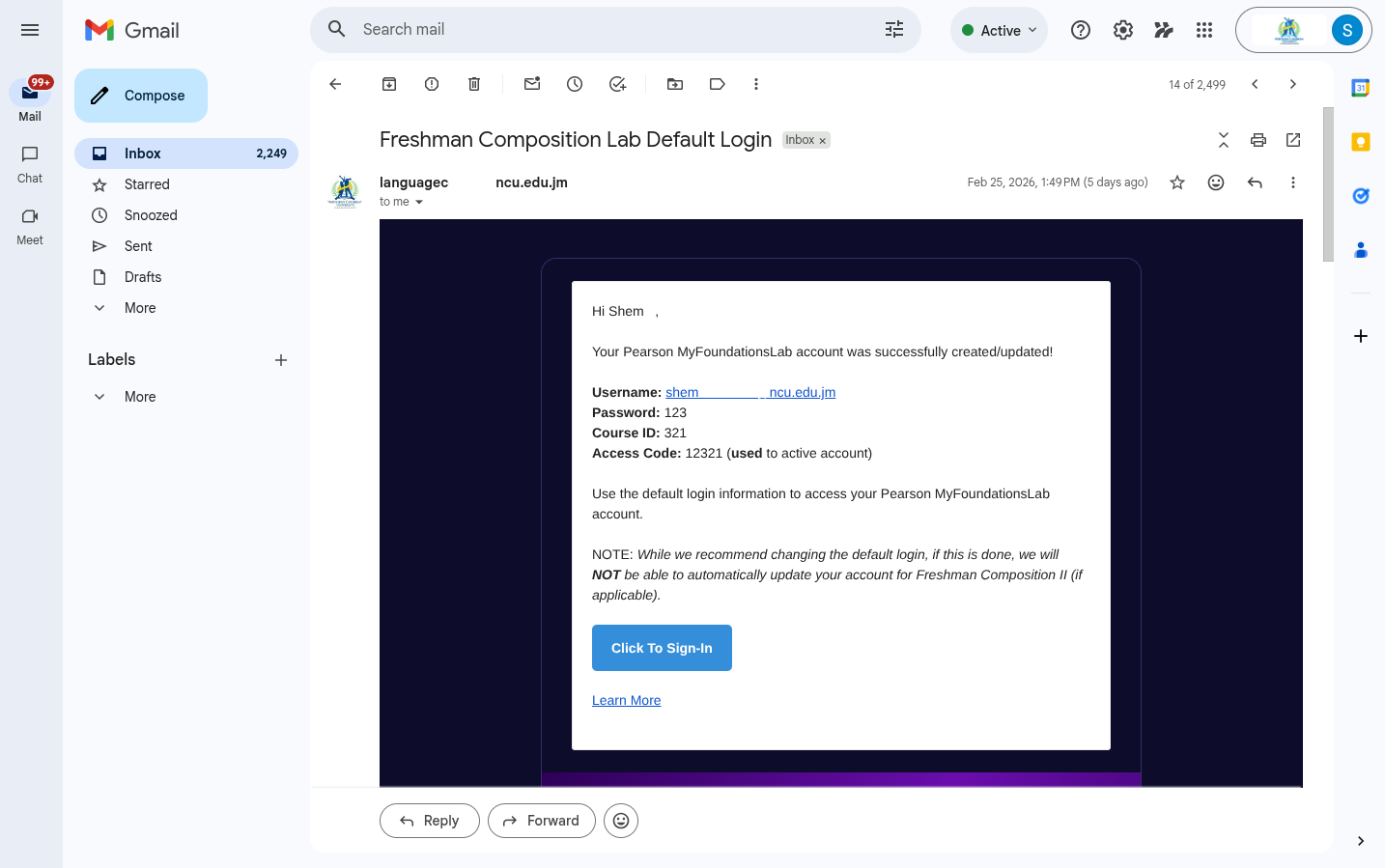
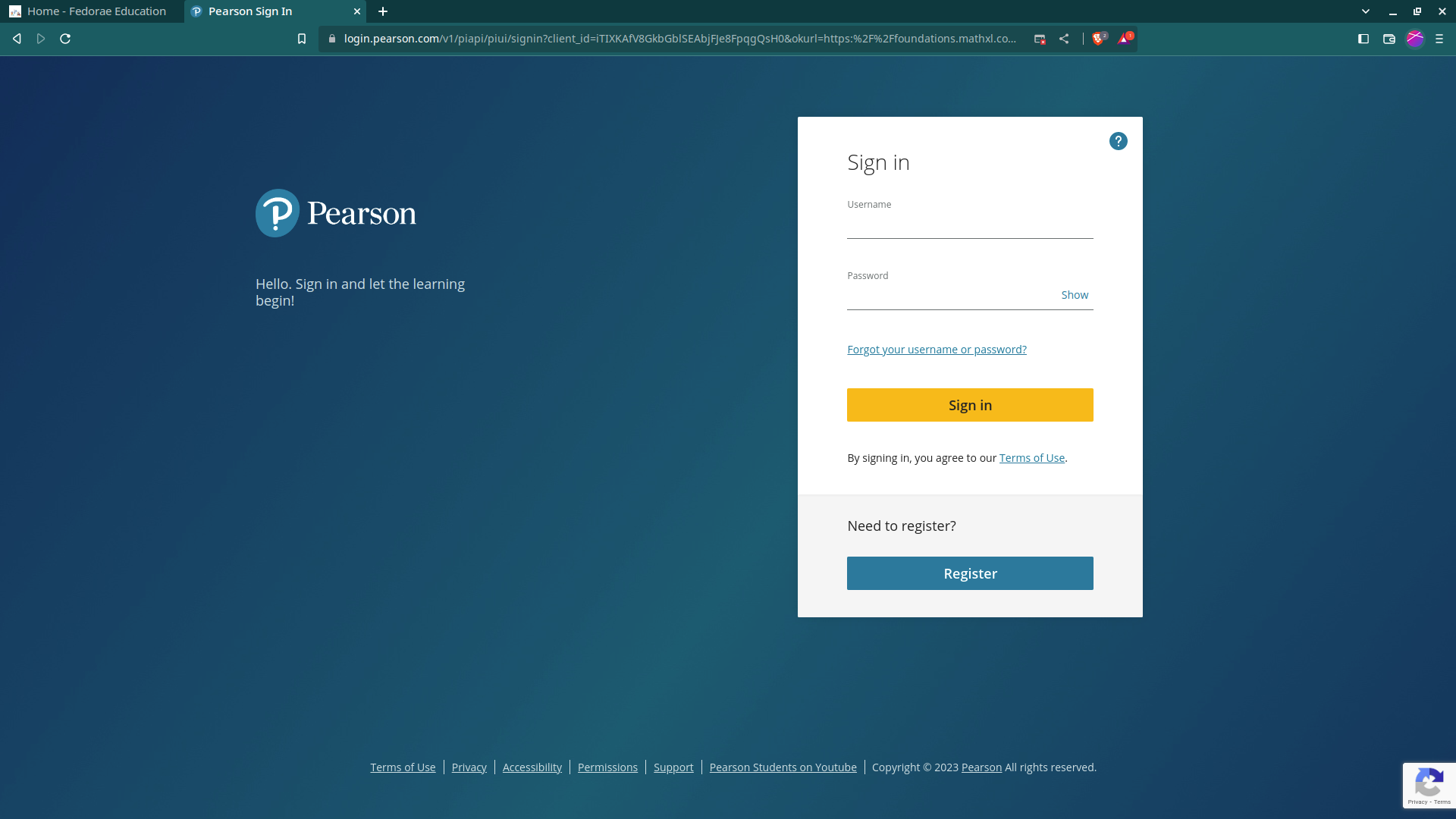
While there are a number of ways this can be done, the simplest and fastest approach is by clicking the "Click to Sign-In" button from the Lab Email Notice (as seen in the screenshot below) or by clicking the "DO LABS" button in the profile card. This will take you to the Pearson Sign In screen where you will enter your username (student email address*) and password.
You will be redirected to the following Sign-In page:
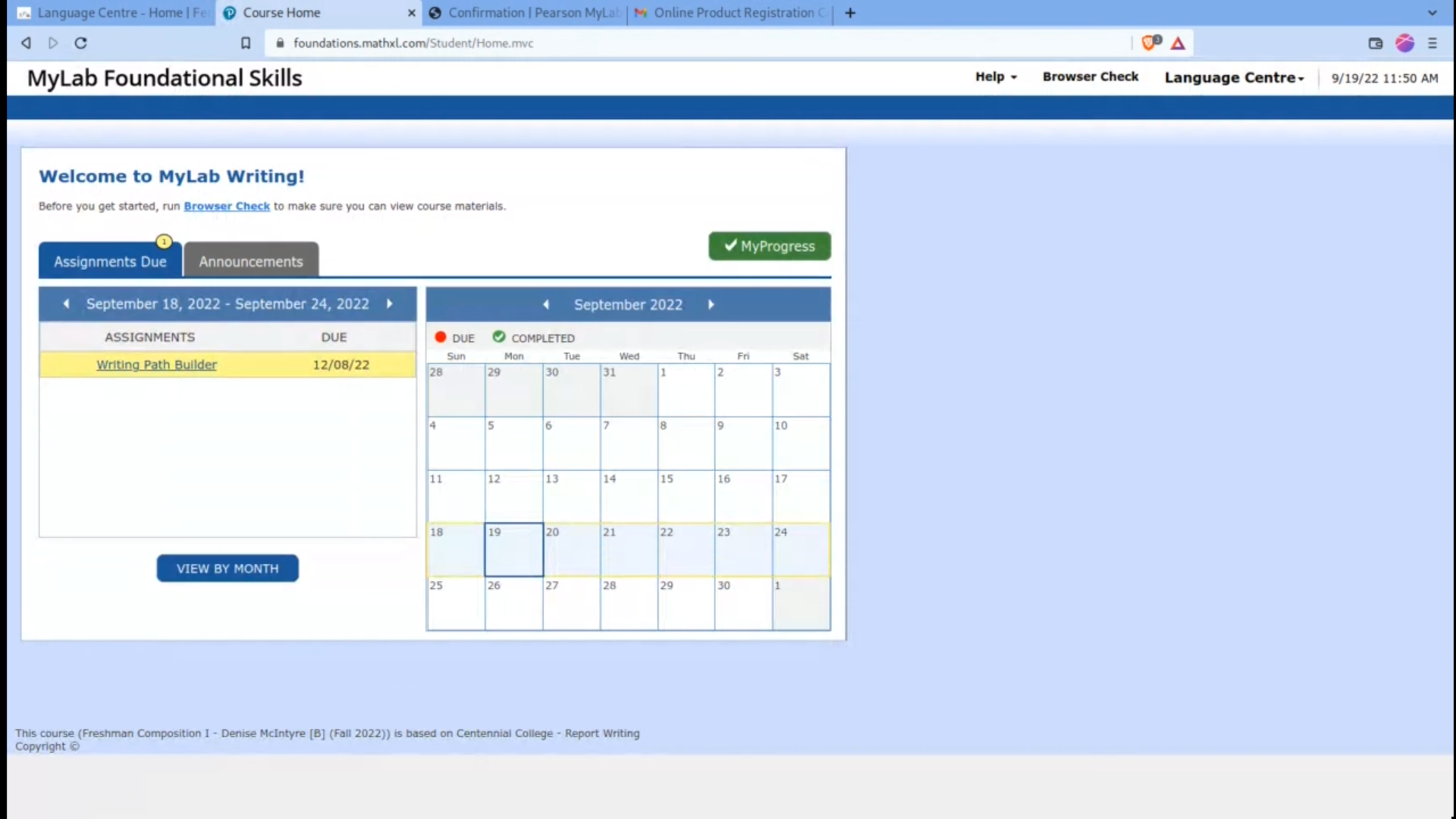
After signing into your account, the final page you should see is the following: